
Tell Us What the Printer Is Doing
Start with the basics so we can narrow the issue quickly. Tell us the printer model, ink type, substrate, current curing settings, and what the print is doing on press or after handling. If the problem shows up only on a certain media, say so straight away. A clear description saves time and helps us suggest the right checks for adhesion, curing or colour shift.
If you are working in a workshop in Cape Town, a production floor in Johannesburg, or a sign shop in Durban, the same rule applies: Whether you are in Cape Town, Johannesburg or Durban, detailed job notes make it easier to match the right UV ink advice to the problem. If possible, include photos of the print surface, the cured finish, and any peeling, smudging or banding you can see.
- Printer type and width
- Media name or surface type
- Pass count, curing mode, and speed
- When the issue started
- Whether the job is for indoor or outdoor use
Curing Checks Before You Change the Recipe
UV-curable inks need the right energy to cure properly. If the lamp output is too low, the travel speed is too fast, or the media surface does not suit the ink layer, the print may feel tacky or show weak rub resistance. That is why we often start with curing guidance before suggesting any other change. A small setting adjustment can make a big difference, especially on non-porous sheets, coated plastics, or textured boards.
When you submit a request, mention whether the issue is poor surface cure, heat build-up, odour, or brittle ink film. Those details help us decide whether to review lamp strength, carriage speed, media pre-treatment, or ink laydown.
- Check lamp intensity and distance
- Confirm the print speed is suitable for the substrate
- Watch for heat sensitivity on thin media
- Note any change after a fresh ink refill or head clean
Adhesion Problems on New Media
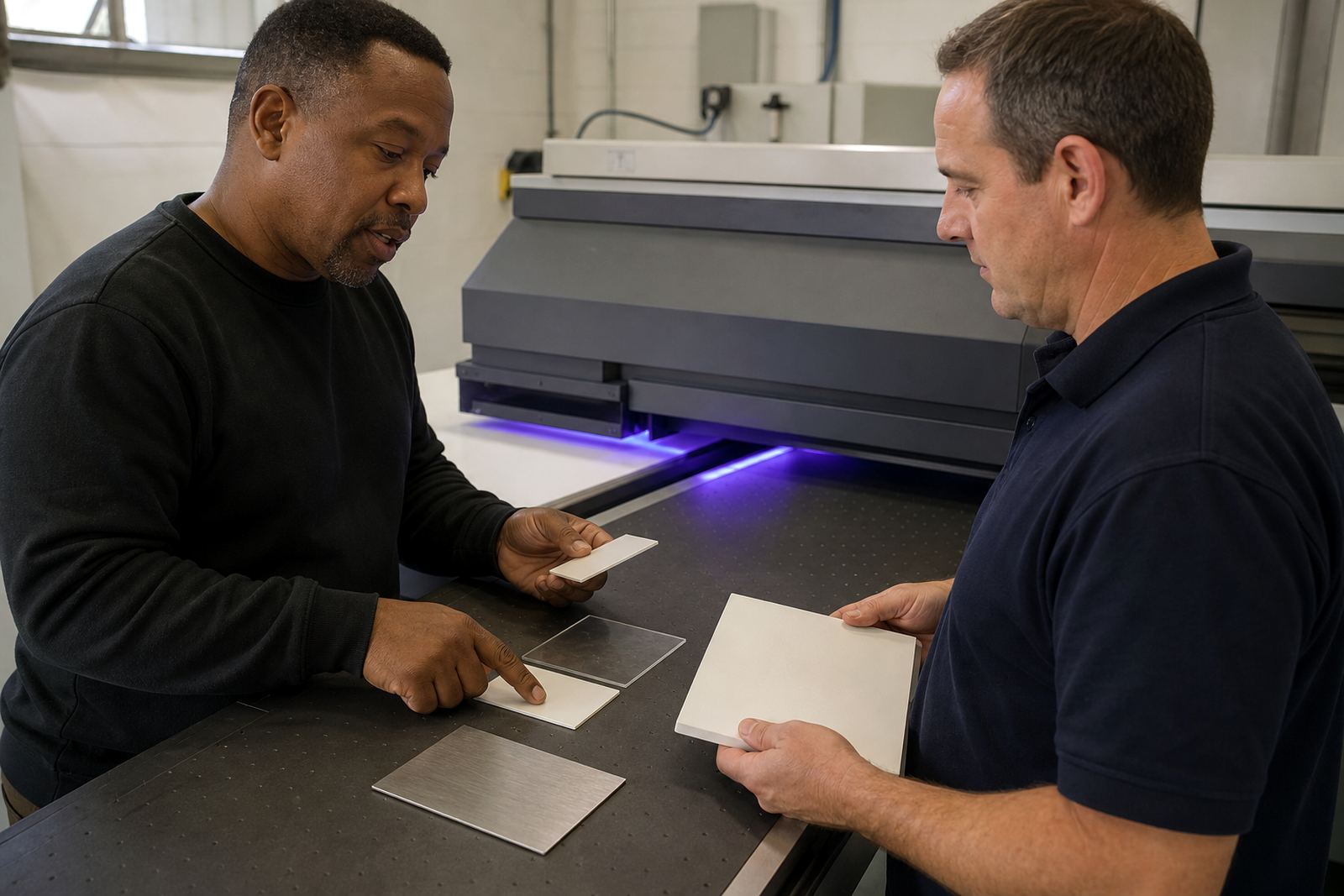
Adhesion is often the first thing to test when a job lifts, scratches, or peels at the edge. Different media surfaces can behave very differently, even when they look similar. Smooth vinyl, rigid boards, acrylic, treated aluminium and flexible banners may each need different preparation and curing. That is why our team offers adhesion testing and colour trial support before you commit to a full run.
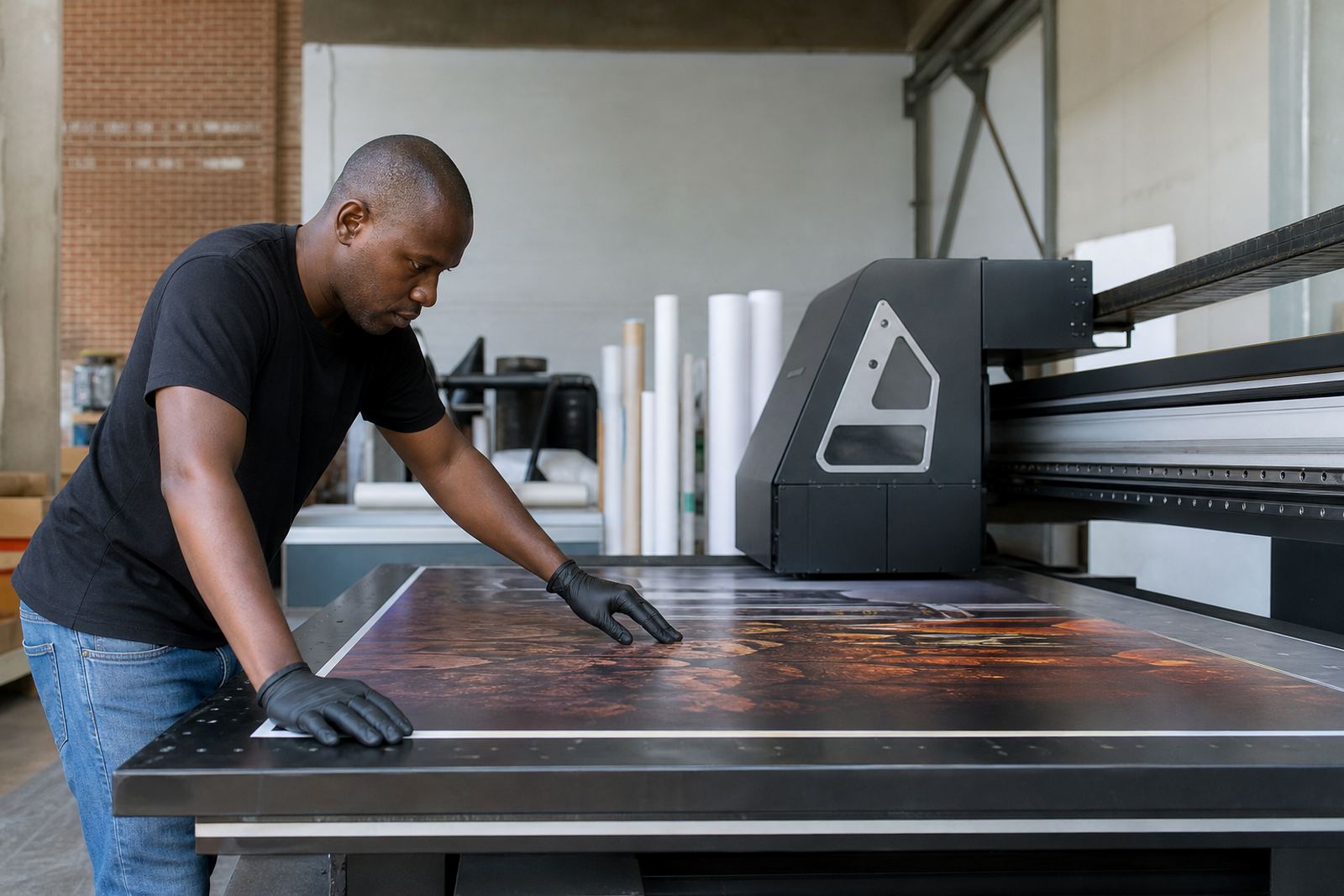
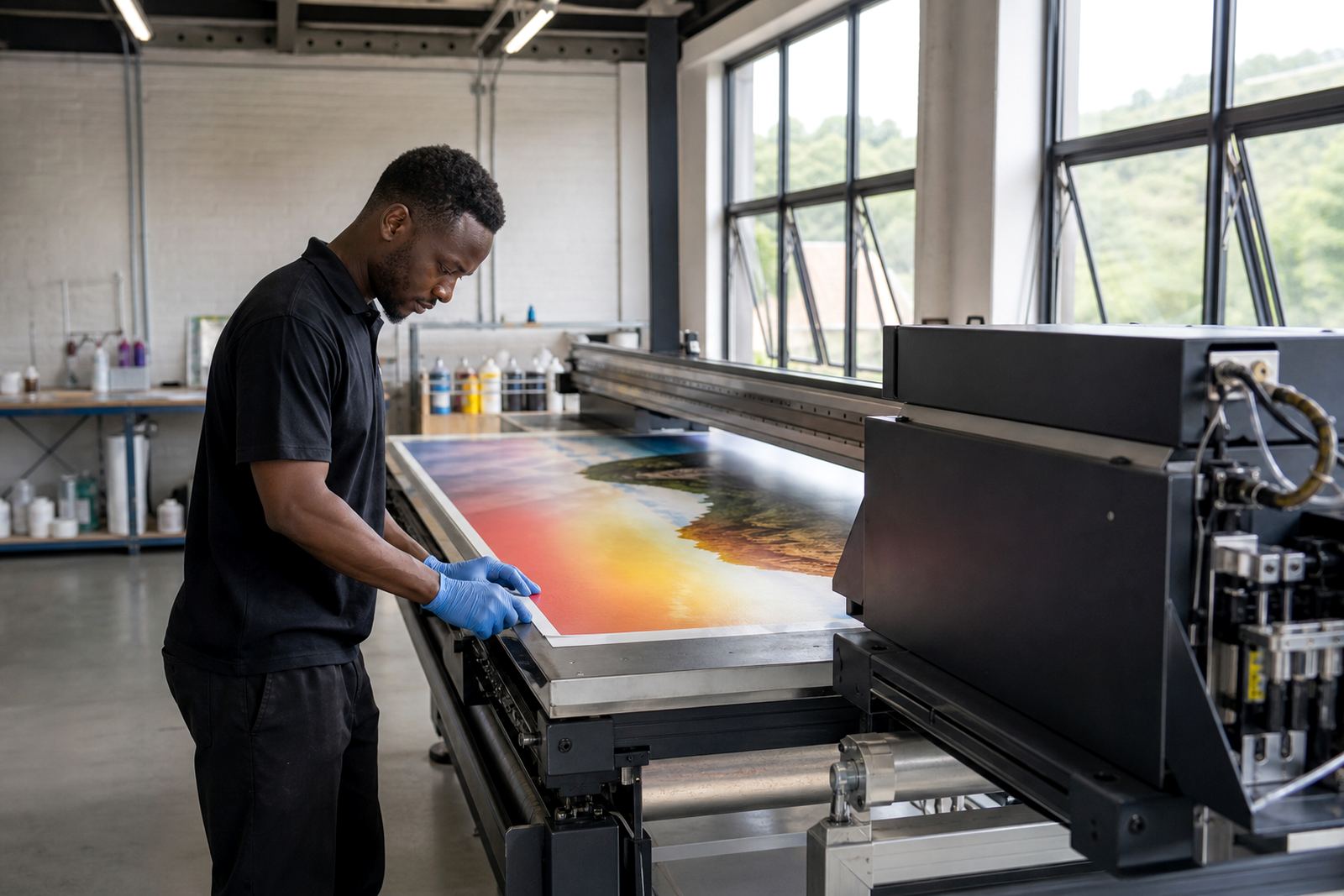
If you are in Bellville, Paarl or Gqeberha and using material from a new supplier, send the media details with your support request. We can talk through surface energy, cleaning methods and whether the substrate needs a wipe down, a primer step, or a change in print mode. Follow the safety data sheet at all times and wear gloves when handling ink or cleaning agents.
- Describe the media finish: gloss, matt, coated or raw
- Tell us if the issue is edge lift, scratching or full-sheet failure
- Confirm if the surface was cleaned before printing
- Share whether the job needs folding, trimming or outdoor exposure
Compatibility Checks for Flatbed and Roll-to-Roll Jobs
Not every ink behaves the same on every printer, so compatibility checks matter. Tell us whether your unit is a flatbed or roll-to-roll machine, how many channels are in use, and whether the job is running as a standard production run or a sample pack test. We use that information to help you match the right ink, media and operating method. It is a practical way to avoid wasted material and repeat work.
For roll jobs, tension, take-up and media tracking can influence print quality. For flatbed work, table height, vacuum settings and board flatness can matter just as much. Our support team can help you work through each point in order, so the cause is easier to spot.
- Printer configuration and ink set in use
- Media width, thickness and rigidity
- Vacuum, feed or take-up settings if relevant
- Any recent maintenance or part changes
How to Submit a Support Request
Write to UV Ink through the contact page form and include as much detail as you can. Short notes are fine, but clear notes are better. If the issue is urgent, say whether the job is waiting on curing confirmation, adhesion approval, or a fresh sample before production can continue. Our team in Epping, Cape Town handles requests for Cape Town, Johannesburg, Durban, Pretoria and Gqeberha, with courier delivery available nationwide.
Once we receive your request, we review the details and route it to the right person. You may hear from sales, operations, logistics or technical support depending on the issue. That keeps the response practical, because the same team that helps with ink selection can also help with sample pack prep or repeat order management.
- For an ink order, write to UV Ink through the contact page form with your printer model and ink colours
- Attach photos if you have them
- State your town and delivery area
- Say whether you need technical help or stock support
Where the ink lab can help
Support is not only for faults. Many requests are about getting a job started the right way. We can assist with ink selection, adhesion testing, curing guidance, colour trial support, sample pack prep, production planning, operator training, safe handling briefing, remote tech help, courier stock support and repeat order management. If you are setting up a new run after a quiet spell, or training a new operator, we can help you get the process lined up properly.
Michael van Wyk leads the business, with Lindiwe Maseko on sales, Hennie Opperman on technical support, Shanaaz Allie in operations, Moagi Shirinda handling logistics, Nadine Motaung in customer service, and Thabo Steyn on training. It means your support request goes to people who understand both the print room and the supply chain.
For the safest result, keep gloves on when handling ink, keep lids closed when not in use, and always follow the safety data sheet. If you are unsure about a setting or a media match, ask before running the full job. A short check now can save a full reprint later.