

Start with your printer format and ink path
The first check is simple: confirm whether your machine is a flatbed printer, a roll-to-roll printer, or a hybrid unit that handles both. UV-curable inks behave differently in each setup because the ink path, lamp system and print head configuration all affect how the ink lands and cures.
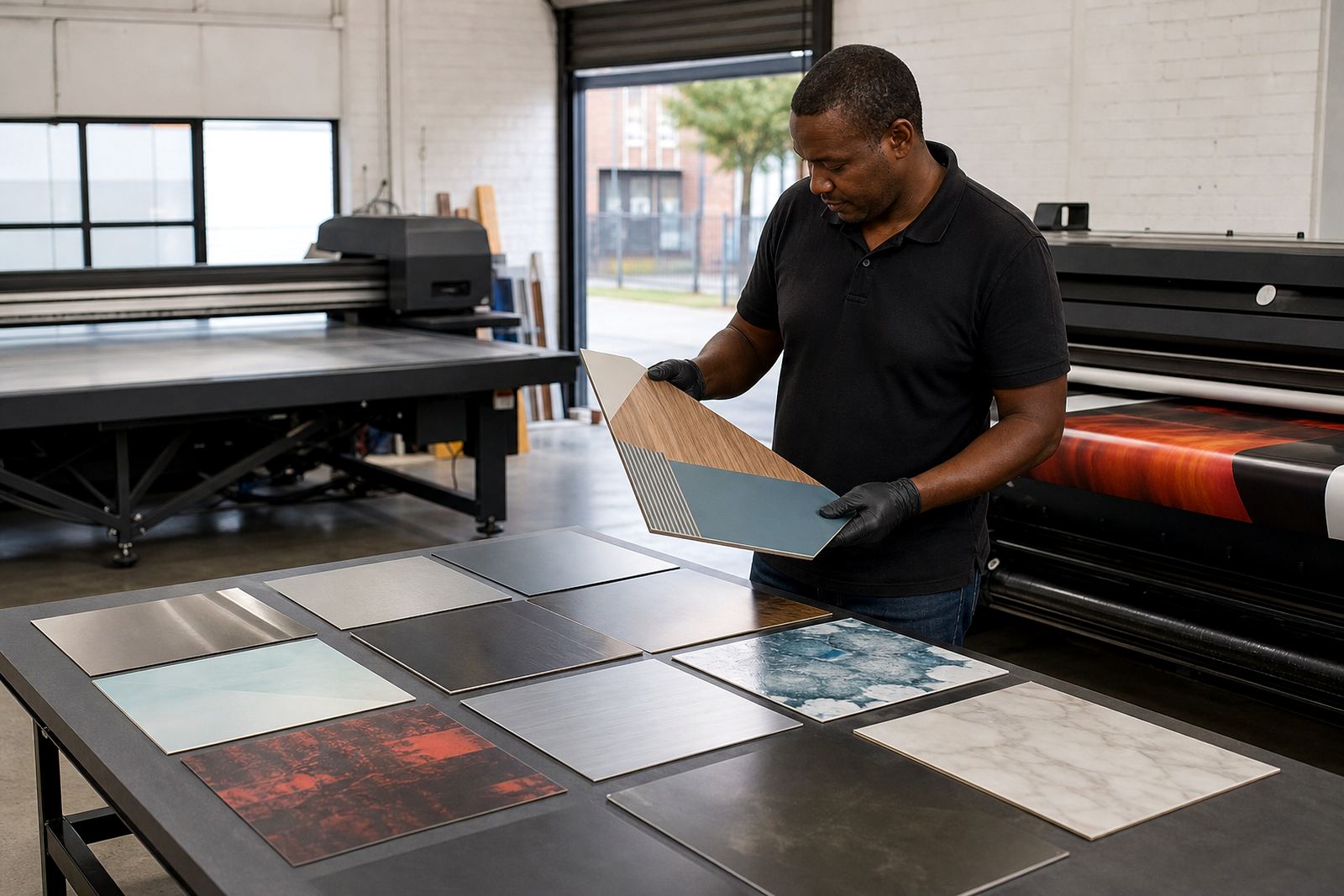
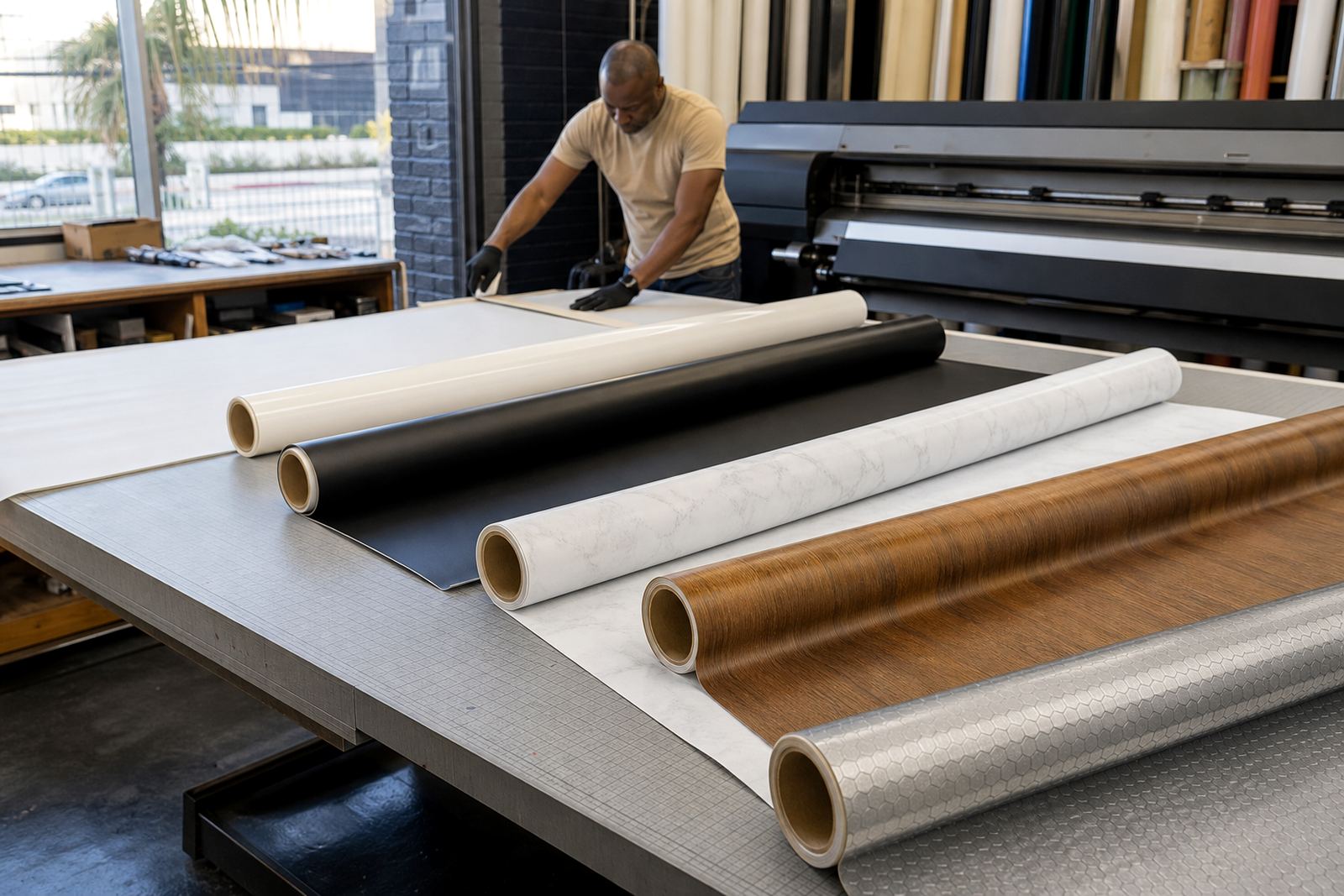
Flatbed work often involves rigid boards such as PVC, acrylic, ACM, foam board and coated panels. Roll-to-roll jobs usually focus on flexible media like self-adhesive vinyl, banner material, backlit film and display film. A good ink choice should suit the print head, the carriage speed and the curing setup on the machine. If the ink is too aggressive, too thick or not matched to the heads, you may see nozzle issues, poor droplet formation or weak print quality.
- Confirm the printer model and head type
- Check whether the system uses LED UV or mercury UV curing
- Identify the intended media list before placing stock
- Test any new ink on a small run before full production
Match the ink to the media and end use
Different substrates need different levels of adhesion, flexibility and surface cure. A rigid sign board used indoors has different demands from a coastal outdoor sign in Durban or Gqeberha where humidity, salt air and sun exposure can affect performance over time. For packaging prototypes, the print must look sharp and hold up to handling. For graphics, the finish may need strong colour and clean edges for close viewing.
Think about the full job, not just the print itself. Will the item be handled a lot? Is it going near heat, moisture or repeated wiping? Is it for short term promotion or longer term display? UV-curable inks can be selected for better adhesion to specific surfaces, but the safest route is always a proper test on the exact media you plan to use.
- Rigid boards: check surface energy and pretreatment requirements
- Flexible media: test for cracking when the roll is bent or laminated
- Outdoor work: assess weathering, rubbing and wash resistance
- Packaging samples: check set-off, scuffing and folding behaviour
Check curing performance before you run full production
Curing is what turns the printed ink from a wet deposit into a hard, usable finish. If the cure is too light, the print can remain tacky, pick up dust or lose adhesion. If the cure is too strong, some media can warp, and certain colours may change in appearance. A balanced cure gives you a dry surface, stable colour and better handling on the next step.
If a print is stopped and restarted, check nozzle health, media position and lamp settings before continuing. Keep a record of the settings that work for each media type, because the same ink can behave differently on coated board, clear film and textured material.
- Run a small sample and wait for a full cure check
- Rub test the surface with a clean cloth or glove
- Inspect for tack, odour and visible curing lines
- Confirm drying at the edges, not only in the centre
Use adhesion testing as part of your buying decision
Adhesion is one of the main reasons to test before buying in volume. A print can look excellent straight off the machine and still fail when cut, folded, laminated or handled. Good adhesion testing helps you avoid waste, returns and unhappy customers. It also shows whether the ink matches the substrate without special primers or extra steps.
For shops working across Cape Town, Johannesburg, Pretoria, Durban and Gqeberha, this matters when jobs move between branches or when the same artwork is printed on different material batches. Even slight variations in coating or texture can change the result. If your team works with a mixed media range, keep a simple test sheet so everyone checks the same points.
- Adhesion after 24 hours of curing
- Resistance to tape pull or light abrasion
- Response to folding, trimming and stacking
- Behaviour under lamination or overprinting
Select colour output based on the final viewing conditions
Bright colour on screen does not always translate the same way on print. Media colour, gloss level and curing settings all affect the final result. White ink, clear effects and layered colour work need even more control. If the job must stand out in retail, signage or display work, ask how the ink behaves on dark substrates and under different lighting conditions.
Operators should also consider how the print will be viewed. A front-lit board in a mall needs a different approach from a backlit panel or a label seen at arm’s length. Keep swatch samples from approved jobs so the team can compare colour under daylight and indoor light. That makes repeat ordering and production planning a lot easier.
Practical checks help reduce surprises:
- View samples in natural light and under shop lighting
- Confirm solid coverage on white, clear and dark media
- Check for banding, grain and gloss shift
- Record the approved settings for repeat work
Plan for safe handling, storage and operator training
UV-curable inks should always be handled with care. Follow the safety data sheet, wear gloves and keep the area clean when opening containers, decanting or cleaning up. Store ink away from direct sun and extreme heat, and keep lids sealed so the product stays stable between jobs. In coastal areas like Cape Town and Gqeberha, neat storage also helps reduce moisture related issues around the work area.
Operator training matters just as much as the ink itself. Staff should know how to identify a compatibility problem, how to check curing, and when to stop a run rather than push on with a weak setup. A short handling briefing can prevent skin contact, cross contamination and wasted stock. If you run a busy floor with multiple operators, keep the same process for every shift.
- Read the safety data sheet before use
- Wear gloves when handling ink and cleaning materials
- Keep lids closed and labels visible
- Train operators on setup, checking and basic fault finding
Use local support to keep production moving
Buying ink is only part of the job. You also need stock planning, sample pack prep, colour trial support and reliable courier delivery to keep work moving across South Africa. From Epping in Cape Town, orders can be managed for delivery to Johannesburg, Durban, Pretoria, Gqeberha, Bellville and Paarl. That helps print shops plan around tight deadlines, transport delays and busy production weeks.
When comparing options, ask whether the supplier can help with compatibility checks, remote tech support and repeat order management. A good supplier should make it easier to choose the right product first time, then keep the same result on later jobs. If you are unsure, start with a sample pack and a small production test before changing over a full line.
At UV Ink, enquiries come through the contact page enquiry form, and the team in Epping can assist with ink selection, adhesion testing, curing guidance and operator training. That support is practical, not theoretical, because the goal is the same as yours: dependable output that holds up on press and in the hands of the customer.