
What happens when UV light hits the ink
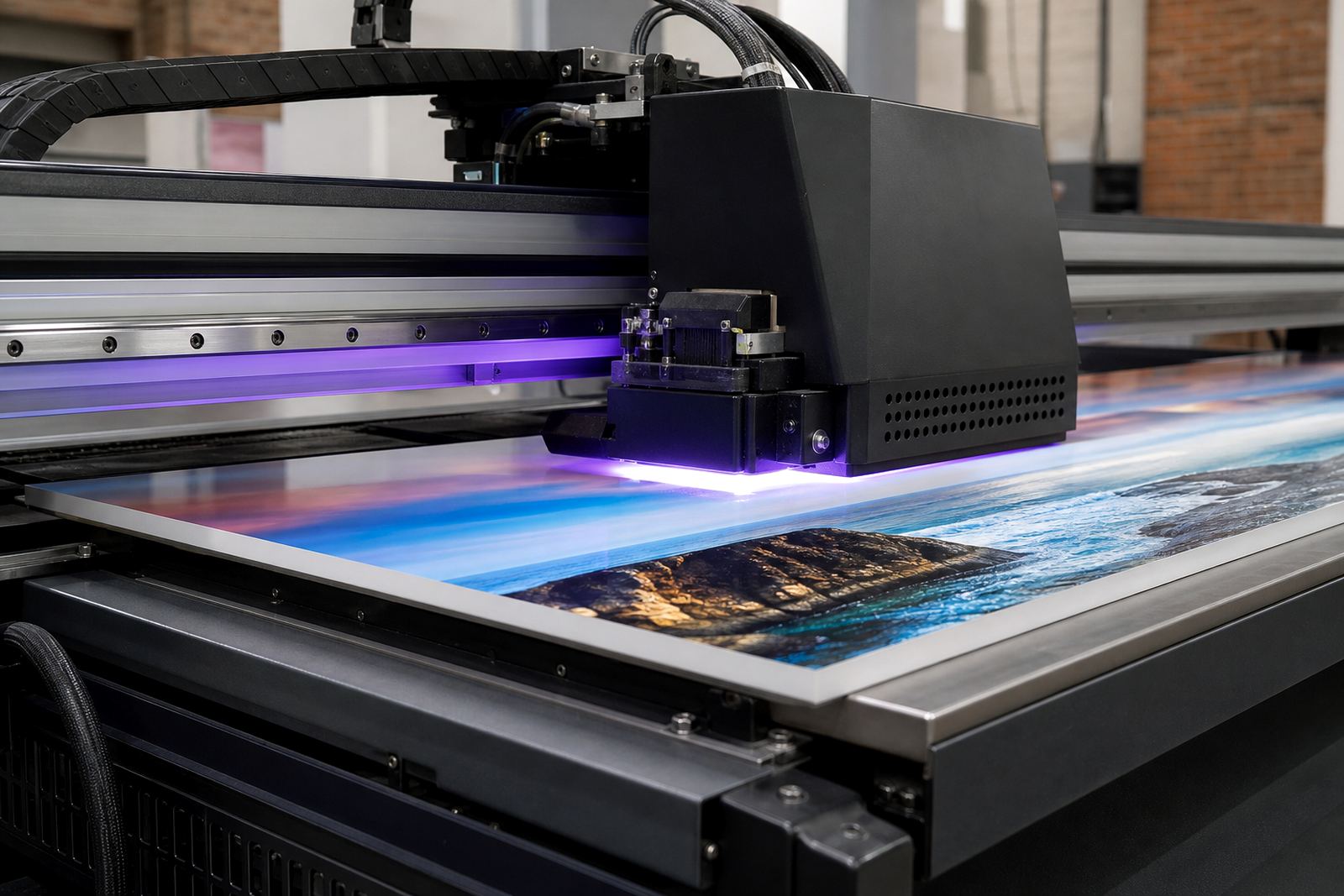
UV-curable ink is made to change state when it is exposed to the right kind of ultraviolet light. Before curing, it sits on the surface in a liquid form that can be jetted through flatbed or roll-to-roll printers. When the print passes under the UV lamps, the light starts a chemical reaction in the ink, causing it to harden into a solid film. That film sticks to the substrate and becomes ready for handling far quicker than a conventional drying system would allow.
The process is useful on many materials, from rigid signage boards to flexible roll media. On smooth surfaces like acrylic, PVC or treated aluminium, curing helps the ink lock in place. On more demanding jobs, such as coated boards or textured packaging stock, the settings need to be right or the print can under-cure, over-cure or show weak adhesion. It is why a small test run matters, even for a simple reprint.
- Curing is not the same as air drying, there is no waiting for solvents to evaporate.
- The ink changes from liquid to solid by UV exposure, usually in seconds.
- Correct lamp intensity and print speed must match the ink and media.
Why adhesion depends on both ink and substrate
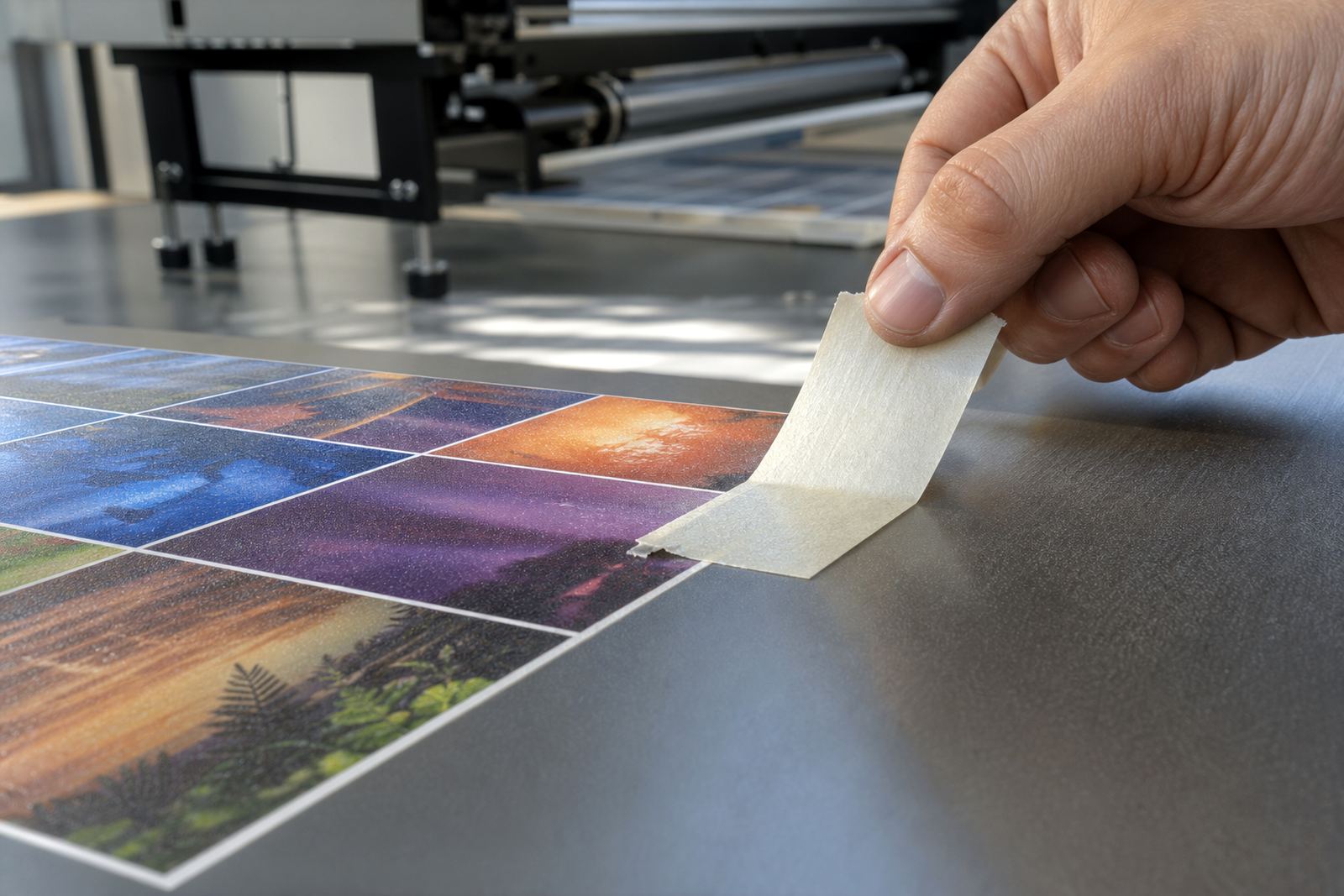
Adhesion is the grip between the cured ink and the printed surface. Even if the print looks sharp, poor adhesion can lead to scratching, peeling or lifting at the edges after cutting and packing. The surface energy of the material matters, as does any dust, oil, release agent or moisture left behind during prep. In coastal areas like Cape Town and Gqeberha, humidity can complicate matters a bit, while inland dust and static on colder mornings can also affect results.
For this reason, UV ink selection should always be matched to the substrate and the end use. A rigid indoor display panel does not face the same stress as an outdoor sign that will sit in sun and wind, or a packaging sample that will be folded and handled repeatedly. Operators should always follow the safety data sheet and wear gloves when handling ink, primers or cleaning fluids. Small habits like wiping down boards and checking the primer layer can make a large difference.
- Clean the surface before printing, even when the board looks new.
- Use the right ink family for the material and the planned wear.
- Test scratch resistance and tape pull before a full production run.
Getting the cure right on flatbed and roll-to-roll printers
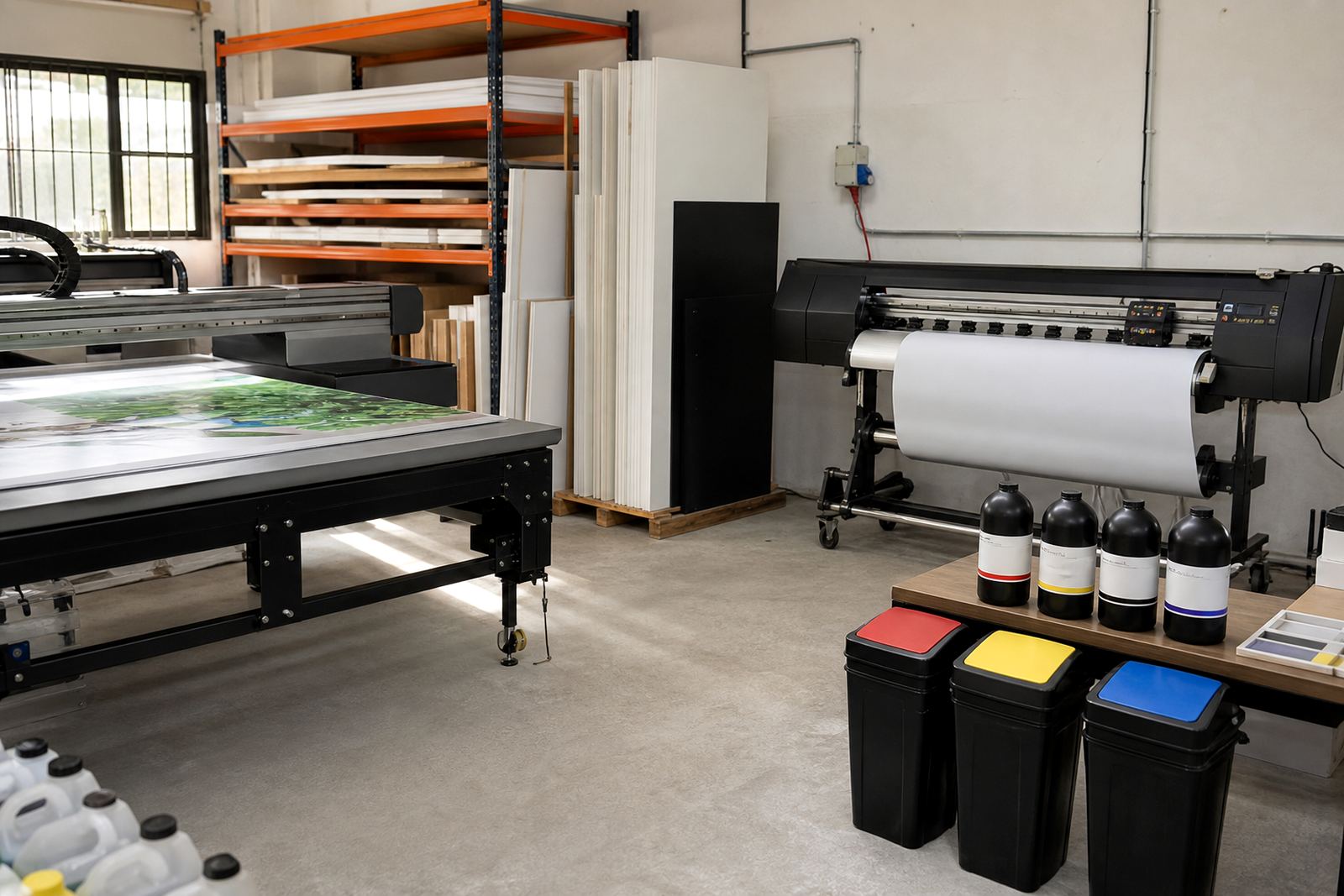
Different printers cure in different ways, but the aim is the same: enough UV energy to harden the ink without damaging the print or the media. Flatbed machines usually print directly onto rigid sheets, so the curing system has to match the board thickness and the height settings. Roll-to-roll printers work with flexible media, so the curing unit must keep up with line speed while keeping the film stable and flat. If the lamp setting is too low, the surface may feel dry but still be soft underneath. If it is too high, the print may become brittle or look dull.
Printer compatibility is therefore not only about whether the ink will jet, but whether it will cure properly at the machine's speed and resolution. That matters for busy production rooms in places like Epping, Bellville and Paarl where jobs need to move quickly from print to cutting, packing and delivery. A good production routine checks the substrate, print pass count, curing output and final handling step before the order leaves the floor.
- Match the ink to the printer's curing system and print mode.
- Check colour and adhesion after the first few metres or the first board.
- Allow for temperature and humidity changes, especially in coastal winter.
Before the first production run
Picture a signage shop in Epping printing a set of retail panels for a branch in Durban. If the ink cures cleanly, the panels can be stacked, packed and moved without the image offsetting onto the next sheet. If the cure is uneven, the corners might mark, or adhesive vinyl overlays may not bond as expected later on.
That is where practical support helps. The shop can run a sample pack, check adhesion on the chosen board, and confirm curing before the full order goes into production. A short call or message through the enquiry form can be enough to confirm the next step and avoid waste.
- Use a sample before a full print run on any new board or film.
- Keep a record of speed, lamp output and substrate type for repeat orders.
- Plan packing so prints are not bent, scuffed or stacked too soon.
Common curing faults and how to avoid them
Most curing problems come from a small mismatch somewhere in the process. The ink may be compatible with the printer, yet the surface preparation was poor. Or the media may be suitable, but the speed setting was too high for the lamp output. In some cases the print looks fine on the day, then shows adhesion loss later after transport, heat or folding. That is why sample testing and clear operator training matter on every new job.
When a fault appears, it helps to look at the full chain rather than only the printhead or only the lamp. Check the media batch, storage conditions, operator notes and the last successful setting. If you are running mixed work across flatbed and roll-to-roll systems, keep those settings separate, because what works on one machine may not suit the other. Small changes, even one extra pass or a different cleaning routine, can shift the outcome enough to matter.
- Watch for tacky surfaces, poor scratch resistance or dull patches.
- Store inks sealed and upright, away from heat and direct sun.
- Keep a simple job sheet so repeat orders print the same way.
Safe handling, support and repeat production
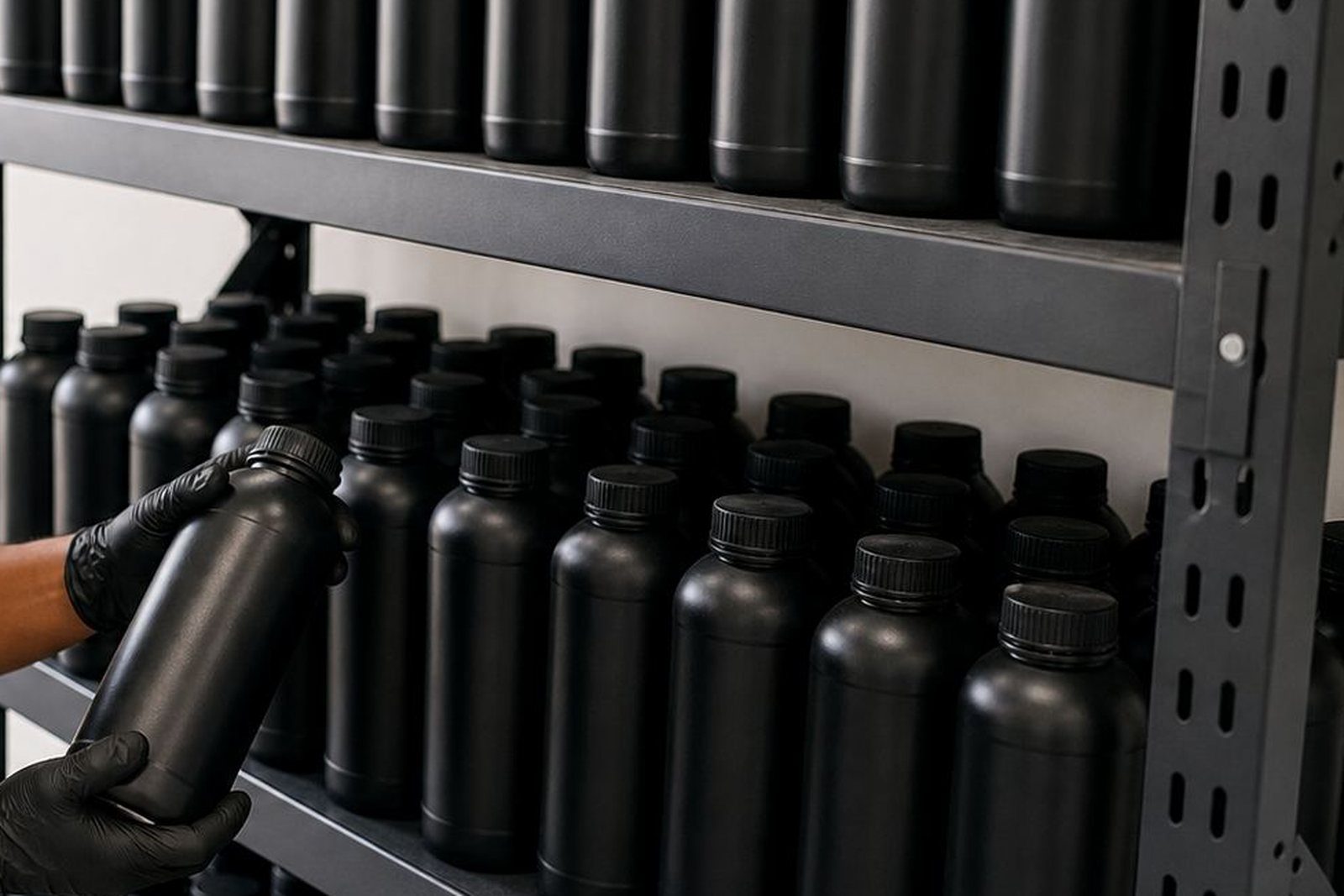
UV-curable inks are designed for production use, but safe handling still comes first. Follow the safety data sheet, keep gloves on during ink changes and clean-up, and make sure operators know what to do if a spill or splash happens. Good handling protects the team and also helps keep contamination out of the ink system. For shops handling repeat work every week, that routine becomes part of stable output.
At UV Ink in Epping, Cape Town, support does not stop at supply. The team can help with ink selection, compatibility checks, adhesion testing, curing guidance and remote technical support, plus courier stock support for orders going to Cape Town, Johannesburg, Durban, Pretoria and Gqeberha. If you are planning a new print line, or just want to check whether a media change will hold up, it is worth getting the settings confirmed before the job starts. It saves time and keeps the finished print looking the way it should.
- Use gloves when handling inks, primers and cleaning materials.
- Ask for curing guidance before switching media or printer mode.
- Keep repeat-order notes so the next run starts with the right setup.