
Start With The SDS Before The Drum Is Opened
An SDS is not paperwork to file away after delivery. It is the document that tells you what is in the ink, what risks are involved and how to work with it in a real print environment. For flatbed and roll-to-roll printers, that matters from the moment the carton arrives at your premises in Epping, or if stock is sent onward to Cape Town, Johannesburg, Durban, Pretoria or Gqeberha.
Before a new batch goes into production, make sure the person who receives it reads the SDS and shares the important points with the operator. Check the sections on hazards, first aid, storage, exposure controls, spill response and disposal. If the ink is being used for signage, packaging or other production work, the SDS should sit with your job records so it is easy to find when needed.
What The SDS Tells You About UV Ink
UV-curable inks are designed to stay liquid until they are exposed to the correct curing light, then they harden on the surface or into the substrate. That is useful for fast turnaround, but it also means you need to understand the handling instructions properly. Different inks can react differently to heat, light exposure, pumps, hoses and printheads.
Look for the compatibility notes on the SDS and compare them with your printer setup. Some inks are better suited to rigid boards, while others are made for flexible media or roll applications. The SDS will not choose the job for you, but it helps you avoid mixing the wrong product with the wrong print process.
- Check the recommended storage temperature and keep the drums out of direct sun.
- Confirm the media type and printer conditions before running a job.
- Note any cleaning agents that should not be used with the ink.
- Keep lids closed when ink is not in use to limit contamination.
PPE, Gloves And Everyday Handling
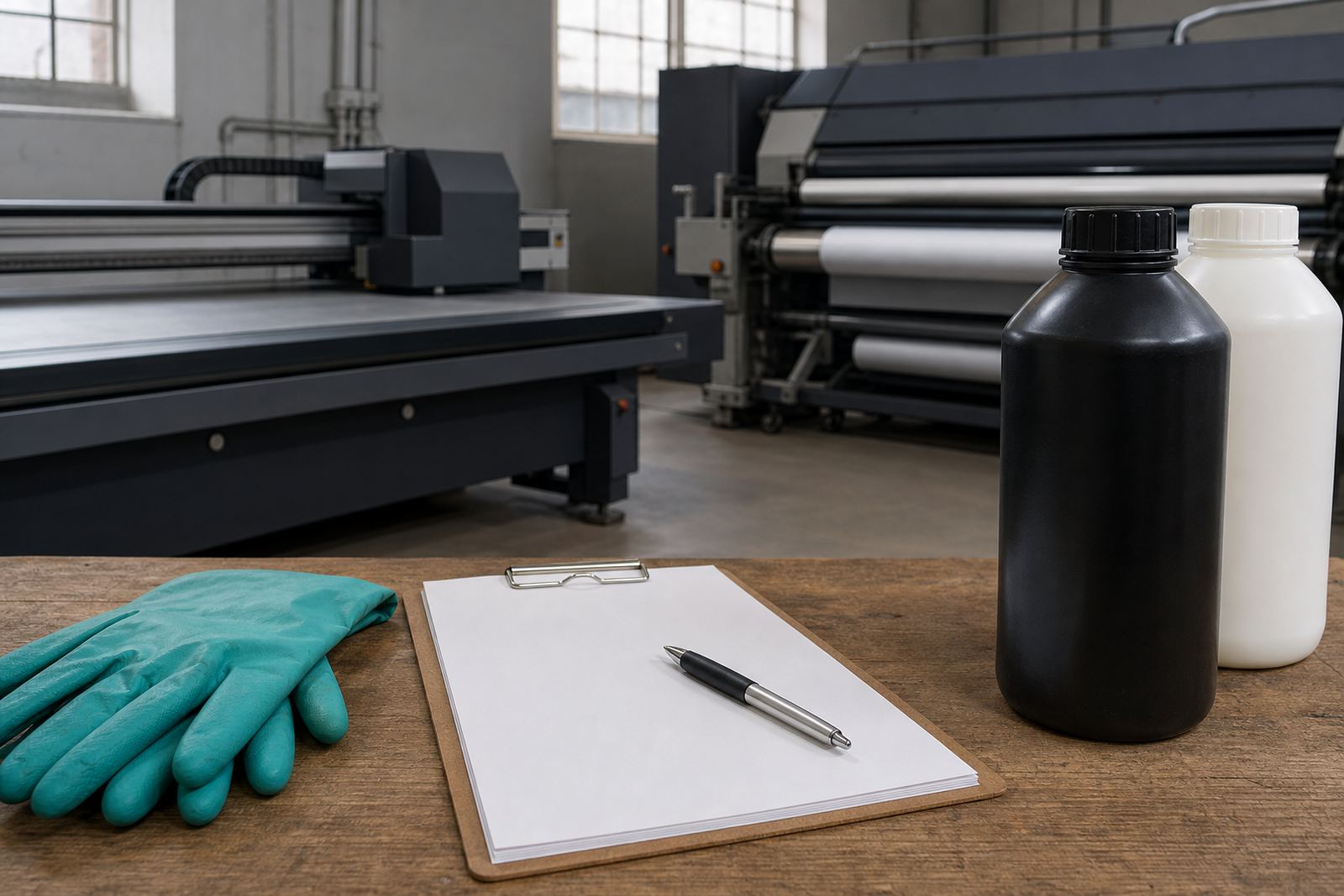
Even when a product is used every day, the basic handling rules should stay in place. The SDS will tell you what personal protective equipment is required, and in most print rooms that means gloves, eye protection where needed and careful hygiene after contact. Do not assume a small splash is harmless. Wash hands after handling containers, cleaning parts or dealing with waste ink.
If you have operators working near curing units, tell them to keep sleeves neat, avoid loose clothing and follow the machine's safe operating steps. A minute spent reading the SDS can prevent a messy cleanup later.
- Wear gloves when decanting, cleaning or handling uncured ink.
- Keep eating and drinking away from the print area.
- Do not reuse contaminated rags for other cleaning tasks.
- Follow the wash and disposal instructions on the SDS every time.
Storage Rules For Coastal Humidity And Hot Back Rooms
South African conditions can be hard on consumables. In Cape Town and Gqeberha, coastal humidity can affect storage rooms if the stock is kept near doors or in areas with poor ventilation. Inland, heat build-up in a back room or shipping area can also shorten shelf life. The SDS will usually set out the acceptable storage range and the conditions to avoid.
Keep ink off the floor, away from direct sunlight and clear of forklift routes. Label opened containers with the date they were first used. If your business uses repeat order stock in Bellville, Paarl or elsewhere, keep older drums in front so they are used first. That small bit of control helps reduce waste and keeps production steadier when the month gets busy.
Adhesion, Curing And Why Test Prints Matter
One of the most useful parts of reading the SDS is understanding what it does not do. It does not replace adhesion testing or curing checks. A UV ink may cure properly on one board and still lift, scratch or remain tacky on another substrate. That is why the SDS should be read together with sample pack prep, colour trial support and curing guidance.
If the job is for a signboard, packaging insert or promotional item, run a small test before full production. Check surface prep, curing intensity and whether the print needs post-cure handling time. If the adhesion is weak, do not force production and hope for the best. Stop, review the notes and ask for technical help if needed.
- Test the ink on the exact substrate before printing the full run.
- Confirm that the cure is complete before stacking or packing.
- Watch for ink lift, poor edge hold or sticky surfaces.
- Record the settings that gave the best result for future repeat orders.
Cleanup, Spill Response And Local Shop Practice
Cleanup needs the same discipline as printing. The SDS will explain what to do if ink is spilled on a bench, floor or machine housing. Keep absorbent material ready, isolate the area and clean it up according to the instructions rather than using whatever is nearby. Some cleaners can damage parts, affect adhesion or create more waste than necessary.
For a local example, think of a Cape Town print shop that receives a courier delivery on a Friday afternoon and needs to prep a Monday job for Johannesburg. If the operator opens the carton without checking the SDS, they may store the product too warm, use the wrong cleaning method and only notice the problem once the run starts. Reading the SDS first saves time, stock and a lot of frustration.