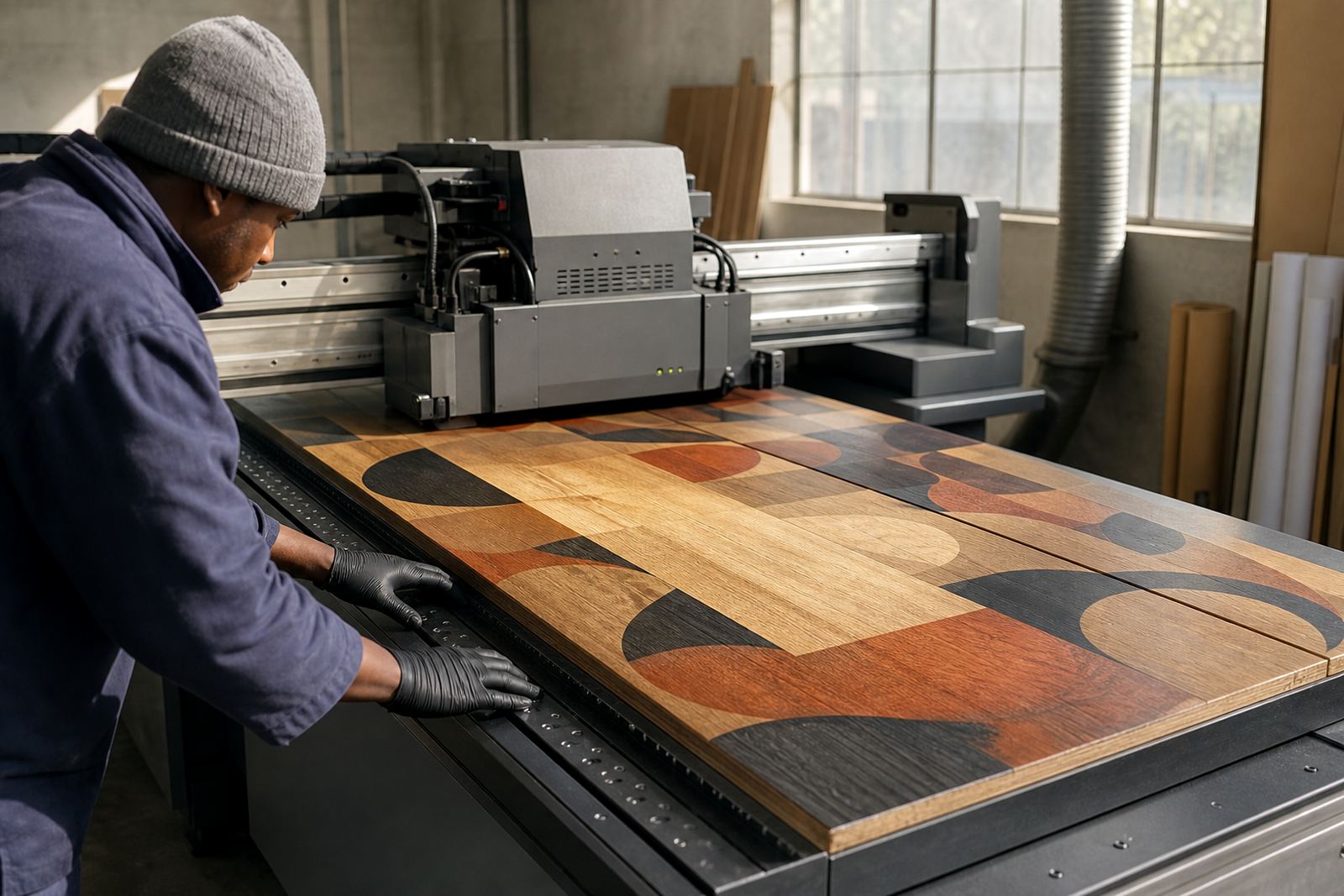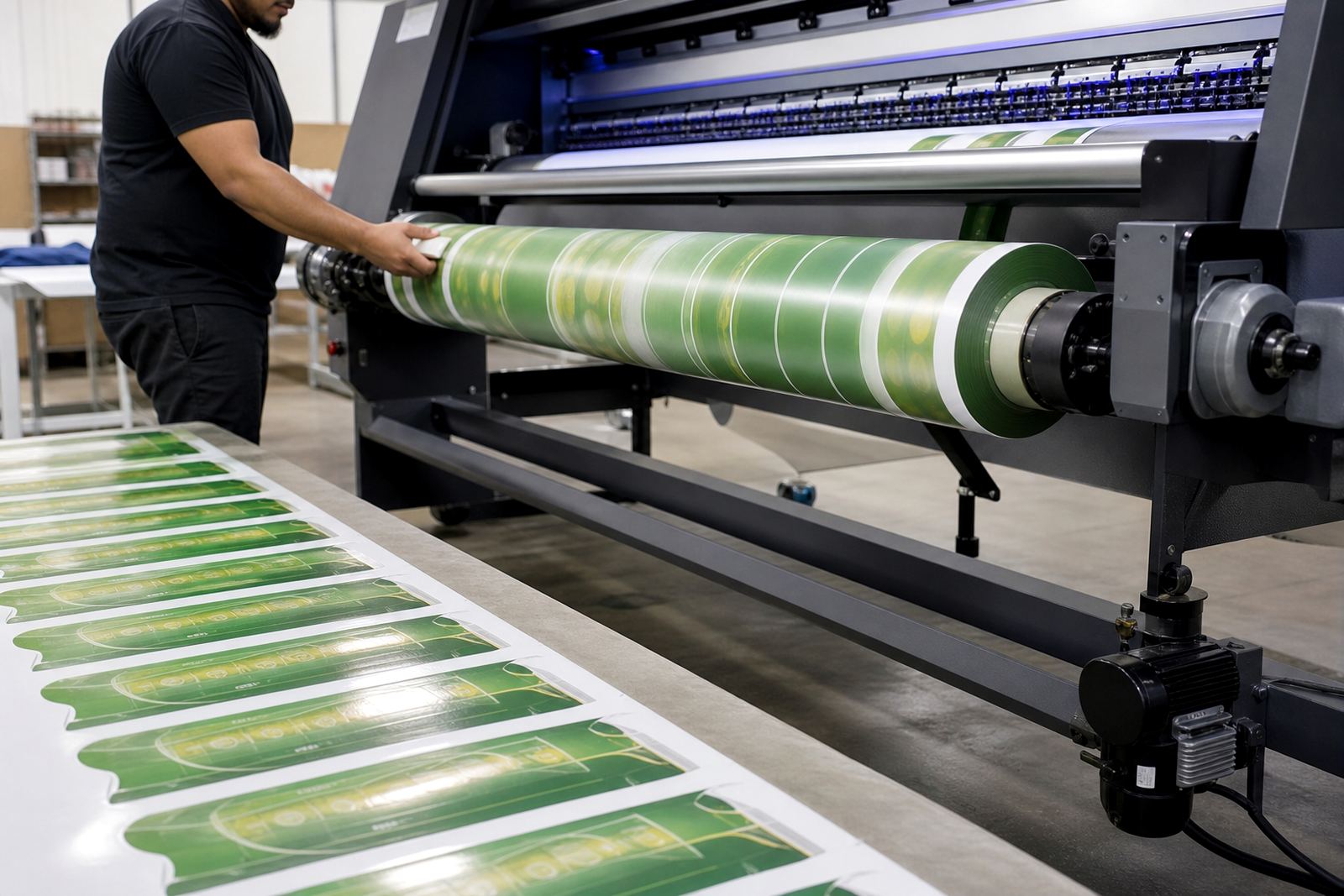


Why White Ink Matters On Dark And Clear Substrates
White ink is often the base layer that makes the rest of a print visible. On black PVC, tinted acrylic, glass, fluted board or clear film, it creates a solid undercoat so colour can sit on top with proper brightness. Without that layer, reds go dull, pale artwork disappears and fine text can lose definition.
In UV printing, the ink is cured by UV light soon after it lands on the surface. That quick curing helps limit spread and gives a firmer finish, but the result still depends on the material, the print mode and how well the surface is prepared. A clean, dry substrate matters, especially in humid coastal areas like Cape Town or Gqeberha where moisture can affect adhesion.
White ink is not only for making colour pop. It also supports layered work such as spot whites under logos, reverse printing on clear panels and double hit prints for stronger coverage. That is why it is used across signage, graphics and packaging jobs where the final image must stay sharp and readable.
Common White Ink Applications In Signage And Packaging
White ink is used in many day to day print jobs. Some are simple, others need careful setup and test pieces before production starts. For shops, factories and printers working across Cape Town and Johannesburg, it often saves time because the same printer can handle both transparent and opaque media with the right configuration.
- Backlit signs where white is used behind colour to improve brightness
- Clear acrylic panels for window graphics, menu boards and display units
- Dark corrugated board for packaging sleeves and short run cartons
- Labels and stickers that need an opaque base on coloured stock
- Decorative panels and promotional items with layered artwork
On packaging, white can be used as a foundation so brand colours stay true. On signage, it helps lettering hold up when the sign is viewed from across a room or through glass. For both packaging and signage, the goal stays practical: better visibility with less waste from reprints.
Adhesion, Curing And Surface Prep Need Proper Attention
White UV ink can perform well, but only if the cure is right and the surface is suitable. Some materials need a primer or light surface treatment. Others need slower passes, stronger lamp output or a different print direction. This is why compatibility checks and adhesion testing matter before any production run.
Too little curing can leave the surface soft or prone to rubbing off. Too much energy can make some materials brittle or cause image quality problems. The printer operator needs to balance speed, layer thickness and lamp settings, then check the finish with a simple rub test. A small sample run is usually better than committing to a full sheet and hoping for the best.
- Wipe dust and oils off the substrate before printing
- Check whether the surface is smooth, coated or porous
- Run a test print and allow full curing before handling
- Inspect edges, small text and solid white areas for lift or cracking
- Follow the safety data sheet and wear gloves when handling ink
Choosing White Ink For Flatbed Or Roll-To-Roll Printers
Not every white ink behaves the same way in every printer. Flatbed units and roll-to-roll systems place different demands on the ink, the feed path and the curing setup. A printer used on rigid boards in Epping will have different priorities from a roll machine producing window graphics for Durban retail spaces.
When selecting white ink, compatibility comes first. The ink needs to suit the print head type, circulation system and cure method already in use. Then come the practical questions: does it hold a dense enough white on dark media, does it layer cleanly under colour, and does it stay stable during longer runs. If a printer works across several media types, sample packs and colour trial support can help narrow things down without stopping production.
Good planning also reduces downtime. For example, a shop in Bellville might need white ink for a week of clear acrylic work, then switch back to general signage boards. Keeping repeat order management simple and having courier stock support in place helps avoid delays when a job lands unexpectedly.
Practical Job Settings That Improve Results
White ink behaves best when the operator treats it as part of the whole print system, not just another cartridge. The file setup, pass count and curing settings all affect the final result. Small changes can make a real difference to opacity and edge sharpness.
For thicker white coverage, many printers use multiple layers or a double strike. That helps on dark media and transparent sheets, but it also adds drying and handling demands. If the job needs extra colour under white or white under colour, the workflow should be planned before the first sheet is loaded. It is easier to do that than to correct a batch halfway through.
- Use higher density white only where the artwork needs it
- Keep fine text slightly larger when printing over dark stock
- Allow enough curing time before stacking or cutting
- Store ink in a cool, dry place away from direct sun
- Match the print mode to the substrate, not just to the artwork
Operators who know their machine can usually spot problems early. If the white looks grey, patchy or uneven, it is often a sign that the material, the cure or the feed settings need adjustment rather than the artwork itself.
From the ink lab: The Cape
A sign shop in Cape Town might receive an order for clear window panels with white logos and full colour detail for a retail promotion. The panels need to look clean from inside and outside, and the white layer must hold on the acrylic without lifting at the corners. In that case, the team would start with a compatibility check, then run a small sample to confirm opacity, adhesion and cure before full production.
That same job may also need practical coordination. If the printer is busy, sample packs can be prepped for testing, while production planning keeps the order moving in the right sequence.
UV Ink supplies white UV-curable inks from Epping, Cape Town with We courier UV ink to Cape Town, Johannesburg, Durban, Pretoria, Gqeberha and other centres. Clients can reach the team through the enquiry form on the contact page for ink selection, operator training, safe handling briefing, remote tech help and repeat orders. The business is based in Epping with Michael van Wyk leading the team alongside Lindiwe Maseko, Hennie Opperman, Shanaaz Allie, Moagi Shirinda, Nadine Motaung and Thabo Steyn.
When White Ink Is Worth The Extra Step
White ink adds an extra stage, but for many jobs it is the step that makes the print worthwhile. It gives depth on dark materials, supports clarity on clear surfaces and keeps branding visible where ordinary colour would struggle. For printers handling mixed work, that flexibility can open up more jobs without changing the whole setup.
It is still important to use it carefully. Test first, check cure, and keep handling safe. Wear gloves, follow the safety data sheet and make sure the finished print is fully cured before packing or delivering it. That is the practical way to get cleaner results and fewer call-backs.